

I want to start this post by making it clear that there isn’t a single best app for learning Japanese.
It might be a strange thing to open this post up with, but it’s what I actually believe after using most of these, and I think anyone who tells you that one app, and ONLY one app, will make you fluent is probably trying to sell you that app. Japanese splits into reading, listening, grammar, and kanji in a way that most languages don’t, and I haven’t found any single app that covers all four well. Duolingo doesn’t, WaniKani doesn’t even try to, and ours doesn’t either, at least not explicitly. (sidenote: we make Gravity, which I’ll get into more at the end).
If you talk to people who’ve actually passed the N2 or N1 exam, what you find is that almost all of them ended up using a small stack of tools, usually two to four: something for vocab/kanji, something for grammar, something for immersion, and often some workflow that ties it altogether. The people I’ve seen stall out are more often the ones who stayed inside one gamified course for a year and kept doing lessons because the app kept convincing them to not miss out on their streak (looking at you, Duolingo. Respectfully.).
So rather than ranking ten apps against each other, which doesn’t really make sense when WaniKani and Pimsleur aren’t even trying to do the same job, I’ve organized this by use case. Figure out which gaps you have, pick one tool per gap, and stick with it (at least until you’re still making good progress with it, which many apps eventually stop doing).
Here’s the quick map, with details below.
| App | Cost | Best for | One-line verdict |
|---|---|---|---|
| Airlearn | Free (capped) / $4.99/mo | Structured course from zero | Explains grammar before quizzing you, but tops out early |
| Duolingo | Free / ~$84/yr Super | Habit-building from zero | Very good at getting you to show up daily, weak Japanese course |
| Busuu | ~$6–15/mo, depending on commitment length | Structured course with human feedback | Decent CEFR structure, Japanese course ends around B1 |
| WaniKani | $9/mo or $299 lifetime | Kanji | Best kanji retention I know of, but you follow its pacing |
| Bunpro | Generous free version / $5/mo or $150 lifetime | Grammar drilling | Grammar SRS that works, pairs with anything |
| Anki | Free (iOS $24.99 one-time) | Flashcards/SRS | Free and powerful, but you build everything yourself |
| Renshuu | Free / Pro around $5/mo | All-round drilling on a budget | Very generous free tier (no ads!), drilling rather than real media |
| Satori Reader | $9/mo or $89/yr | Reading | Human-written graded stories with per-sentence audio |
| Pimsleur | ~$19.95/mo | Listening/speaking | Audio-only spoken practice, no reading or kanji at all |
| Migaku | Around $7–15/mo | Sentence mining from Netflix/YouTube | Powerful desktop setup, takes some work to configure |
| LingQ | $14.99/mo | Mass reading/listening | Good method, the software itself is a bit dated |
| Gravity | $20.99/mo or $98.99/yr, 7-day free trial | Immersion & sentence mining on mobile | Real Japanese media with tap-to-mine flashcards; bring your own grammar |
If you’re starting from absolute zero: a structured course
At the very beginning you need something that walks you through kana, basic word order, and your first few hundred words, and this is honestly the one stage where the gamified course apps are worth using. I don’t think using them is a mistake at all. The problem I keep seeing is people staying in them for a year or more, well past the point where the course has anything left to teach.
Airlearn
Airlearn is the newer of the two big course apps, built by the Unacademy co-founders, and the thing it gets right is that it explains things before testing you on them. Their “Learn First, Practice Next” structure puts grammar and vocab notes before the quiz rather than making you work the rules out from your wrong answers, which was always my biggest complaint about Duolingo, so for Japanese specifically I think it’s the better starting point of the two. The onboarding is also mercifully short, six screens where Duolingo’s is thirty-eight. The free tier caps you at 5 lessons a day and shows ads; Pro is $4.99 a month, which works out to roughly a third of what Duolingo charges for their Super tier.
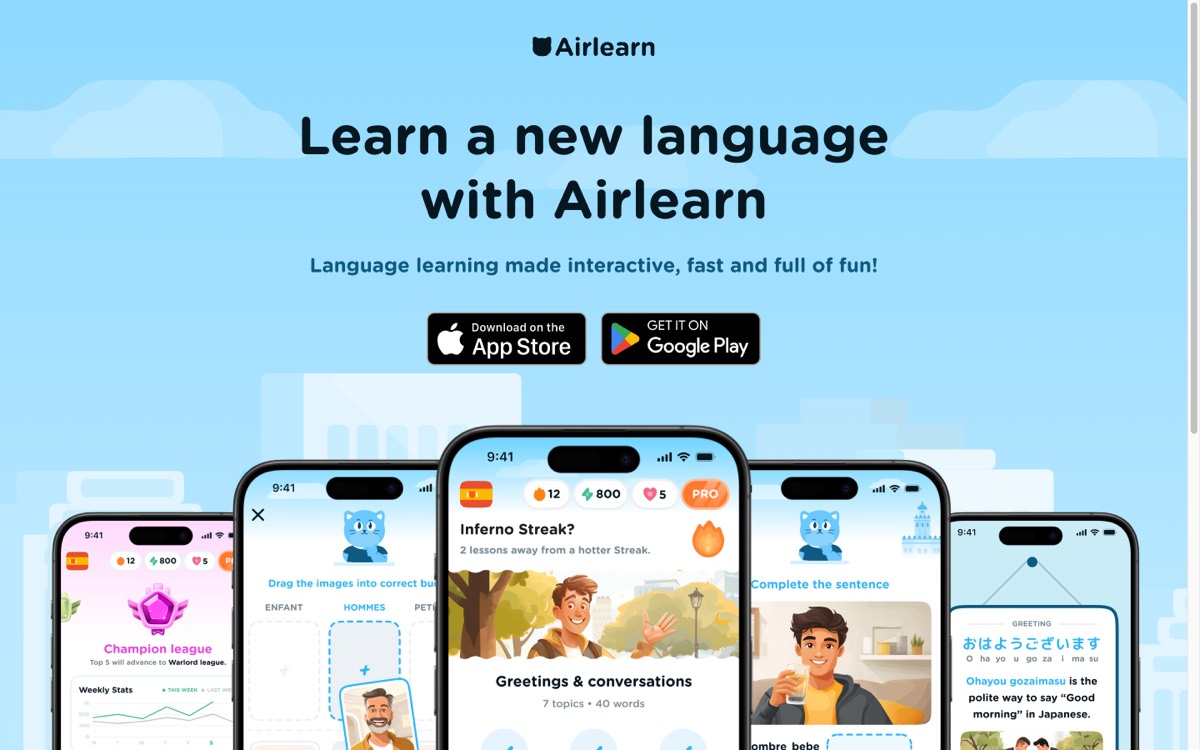 Airlearn’s homepage, July 2026.
There are real problems though. A lot of the course content appears to be AI-generated, and native speakers have found errors in it, which for a beginner is worse than it sounds because you have no way of knowing which parts to distrust. One person on Reddit who’d studied Japanese for four years noticed off vocab usage, a Thai speaker reported similar errors in that course, and the TTS voices get robotic in ways that I think matter more for Japanese pitch and rhythm than they would for, say, Spanish. The ceiling is also low. People in r/languagelearning put the Japanese course at around A2, and that matches what I’ve heard as well; even the app’s fans tend to say you’ll want something else afterward.
For your first few months, cheap plus explanations-first plus a built-in SRS is still a genuinely good deal.
Duolingo
You already know what Duolingo is. Free with ads, Super at around $84 a year, and after the 2025 energy-system change and the “AI-first” announcement the user base got noticeably grumpier, to the point that the CEO admitted in early 2026 that the added friction had hurt growth.
 duolingo.com, July 2026.
To be fair to it, nothing else on this list is anywhere near as good at getting people to open the app every day, and if a streak is genuinely the thing keeping you from quitting Japanese, then keep the streak, I’m not going to argue with what works.
The Japanese course specifically is where it falls down:
- The kanji teaching is thin, so you end up pattern-matching characters without really learning components or readings
- A lot of sentences are machine-generated and sound unnatural, and the explanations often don’t explain much
- The community has been documenting quality-control issues in the course for years
I’d use it for kana and for momentum in the first couple of months, but I wouldn’t build a plan around it. (Longer version of this argument here.)
Busuu
Busuu costs around $6–15 a month and is more classroom-shaped than either app above, with a CEFR-aligned course that runs A1 to B2 on paper. The feature I actually like is the community-correction loop, where native speakers mark up your writing exercises, so you get your clumsy Japanese sentences corrected by an actual person, which is rarer than it should be at this price. Two things to know going in: the Japanese course effectively stops around B1, and the speaking practice is fairly light, so I’d treat it as a starter course with a nice social feature rather than somewhere you’ll stay long-term.
 busuu.com, July 2026.
For kanji: WaniKani
WaniKani does one thing, teaching you roughly 2,000 kanji and 6,000 vocab words through mnemonics and SRS across 60 fixed levels, and in my experience it does that one thing better than anything else. The mnemonics are actually pretty funny and clever, the radical-first decomposition works, and I’ve heard more than one person who passed N2 credit their kanji knowledge to some stupid WaniKani story about a crab. Levels 1–3 are free, and after that it’s $9/month, $89/year, or $299 lifetime. It’s web only, though the third-party mobile apps are good.
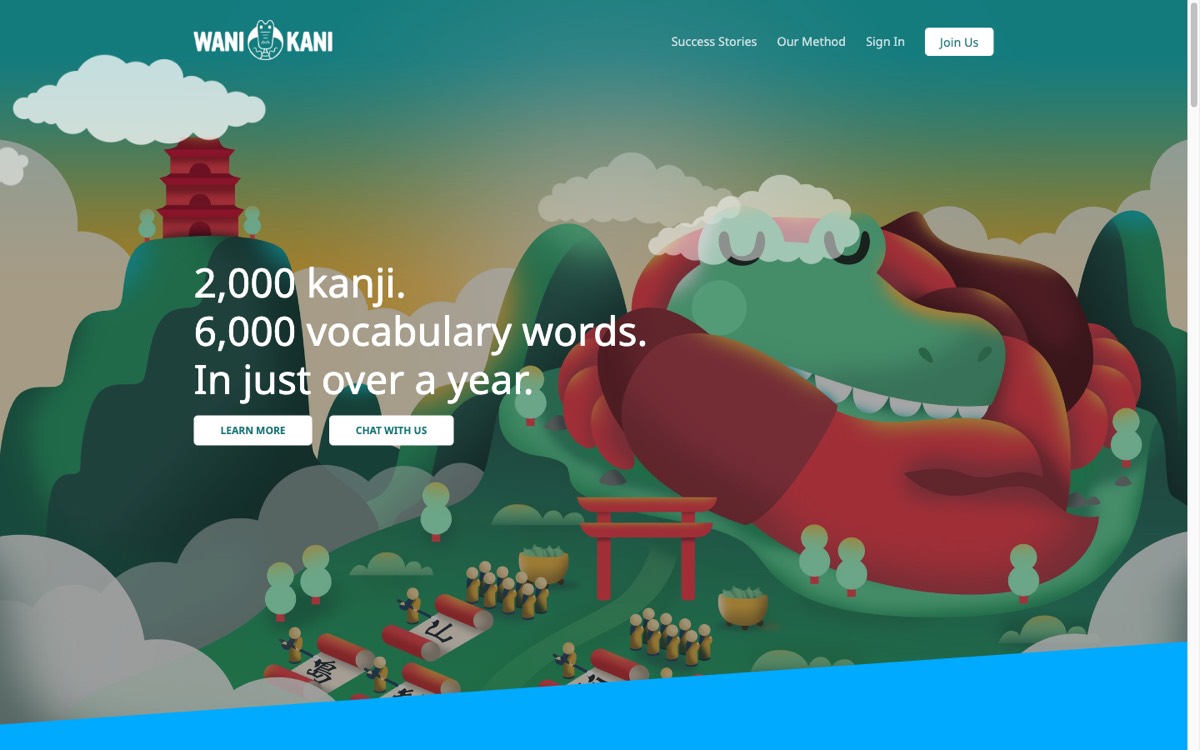 WaniKani’s homepage, July 2026. The mascot is a crocodile pretending to be a crab.
My real complaint is the pacing. You can’t skip kanji you already know, and finishing all 60 levels realistically takes around two years even if you do reviews every day, so if you studied Chinese before, or you’re coming in at an intermediate level, the early levels have you reviewing characters you learned years ago with no way around it. Kelvin wrote about a related version of this problem in his kanji-after-Chinese essay, and from what I’ve seen the locked pacing is the main reason people give up on it and build a custom Anki deck instead.
It also teaches no grammar, no listening, and no speaking, which is deliberate on their part, but it does mean you’re budgeting for other tools alongside it.
For grammar: Bunpro (or just… free stuff)
Bunpro is grammar SRS. It takes the spaced-repetition idea and points it at grammar points instead of vocab, organized N5 through N1, with fill-in-the-blank sentence reviews and links out to explanations from multiple sources for each point. It runs around $5 a month with a lifetime option, and it’s become the standard companion to WaniKani for a reason. The team behind it is small and indie and I think that shows in a good way.
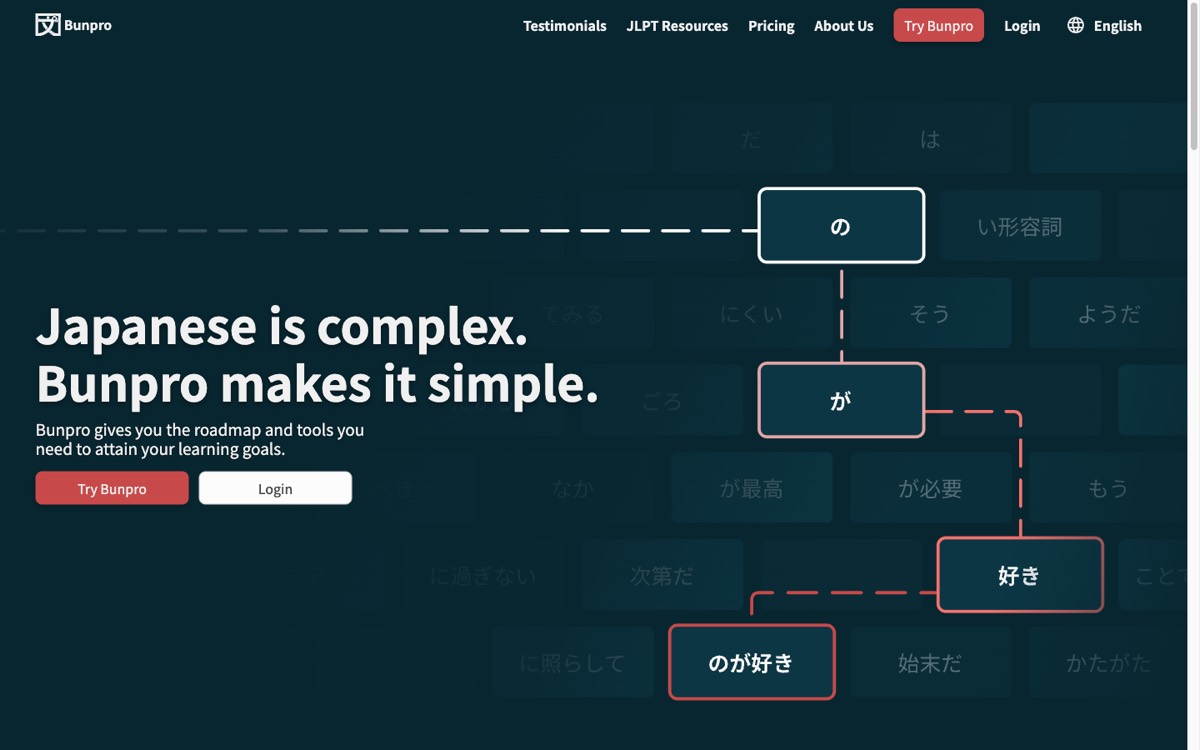 Bunpro, July 2026.
Two caveats. The fill-in-the-blank format can turn into pattern-matching over time, where you recognize which grammar point the blank is asking for without actually understanding the sentence, so it’s worth checking yourself on that occasionally. And the quality gets more uneven at N2 and N1, where the grammar distinctions are subtle and the example sentences don’t always carry the nuance they need to.
One thing app roundups almost never mention is that you may not need an app for grammar at all. Tae Kim’s Guide is free and complete and has carried a huge number of learners through the fundamentals, and Genki I and II are physical textbooks but they’re the classroom standard for a reason. A reasonable path is reading grammar in one of those and drilling it in Bunpro if you want the retention insurance, and another reasonable path is skipping the drilling and letting immersion reinforce it. Grammar can also come naturally alongside immersion, assuming that you have enough vocabulary to supplement it.
For flashcards and SRS: Anki and Renshuu
Anki
Anki is free and open source, and it’s the backbone of basically the entire immersion-learning community; every serious sentence-mining workflow eventually touches it, ours included at least philosophically, and my whole sentence mining post is downstream of things the Anki community worked out years ago. Desktop, web, and Android are all free, and the iOS app is a $24.99 one-time purchase, which is what funds development, and I think it’s worth paying.
The Core 2k/6k decks alone can carry your first year of vocab (I’ve also heard great things about Kaishi 1.5K), and if you pair Anki with Yomitan you get a card-creation pipeline that the most serious people in this hobby still treat as the standard.
The tradeoff is that Anki comes with no content, no course, and no opinions about what you should study, so all of that is on you, and the interface looks and feels old. Some people genuinely like having that much control. A lot of people spend their first week adjusting settings they don’t understand and then stop opening the app in the second week, and if you suspect you’re in that group, there’s no shame in it, just use Renshuu instead.
Renshuu
I’ll admit Renshuu drives a very hard bargain, considering that the free tier is more generous than it has any business being. You get unlimited SRS for vocab, kanji, and grammar, JLPT-organized study paths, community features, and mascots with more personality than most funded startups manage, all built by a tiny family team, all Japanese-only. Reddit loves it and I think deservedly. Pro is around $5 a month and mostly buys you nice-to-haves rather than anything essential.
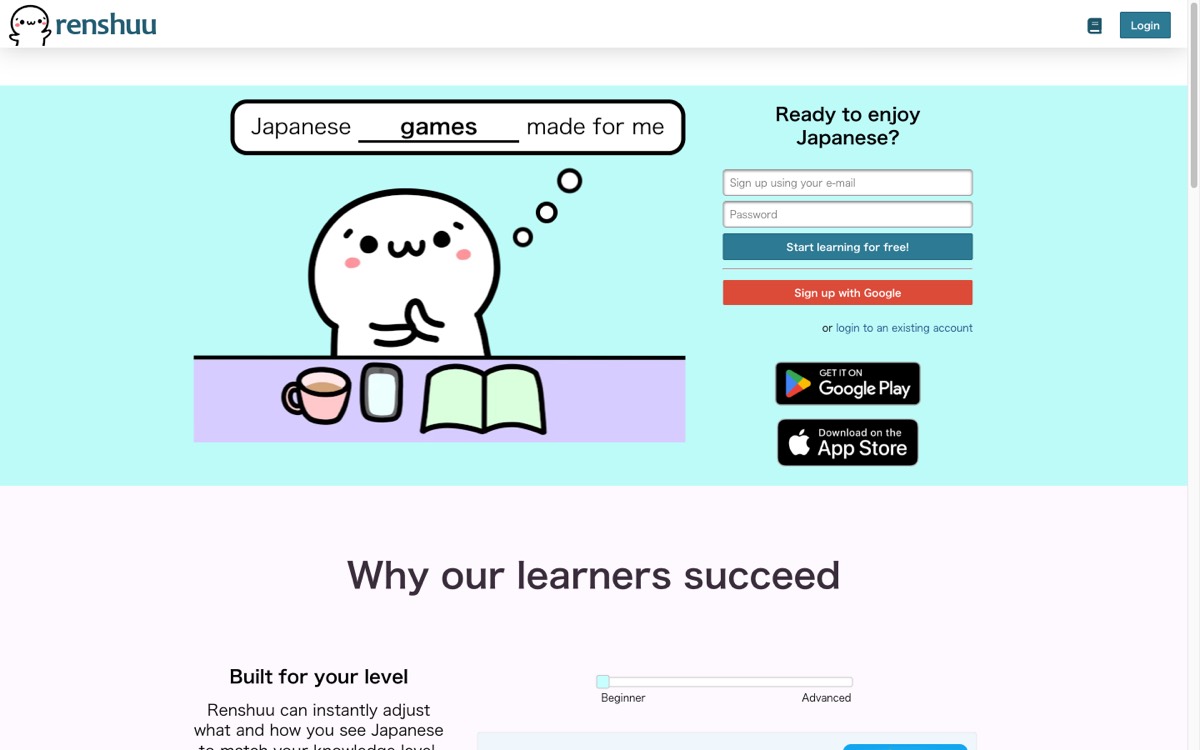 Renshuu’s homepage, July 2026.
If your budget for learning Japanese is zero dollars, then Renshuu plus Tae Kim plus free Anki is a complete study system, and I mean that literally, not as a consolation prize.
What it isn’t is an immersion tool. Renshuu drills you on Japanese rather than giving you real Japanese to consume, and the UI is dense enough that the first session can be overwhelming, so I’d give it a few days before deciding whether it’s for you.
For reading: Satori Reader
Satori Reader is probably the app I recommend with the most confidence in this whole post, even though it’s the least flashy thing here. It’s a graded reader: original stories written by humans and narrated by humans, with per-sentence audio, grammar notes you can pull up on demand, and a furigana system that adapts to which kanji you personally know (it can sync with your WaniKani level, which is a nice touch). It’s $9 a month or $89 a year, with a selection of free episodes so you can try it first.
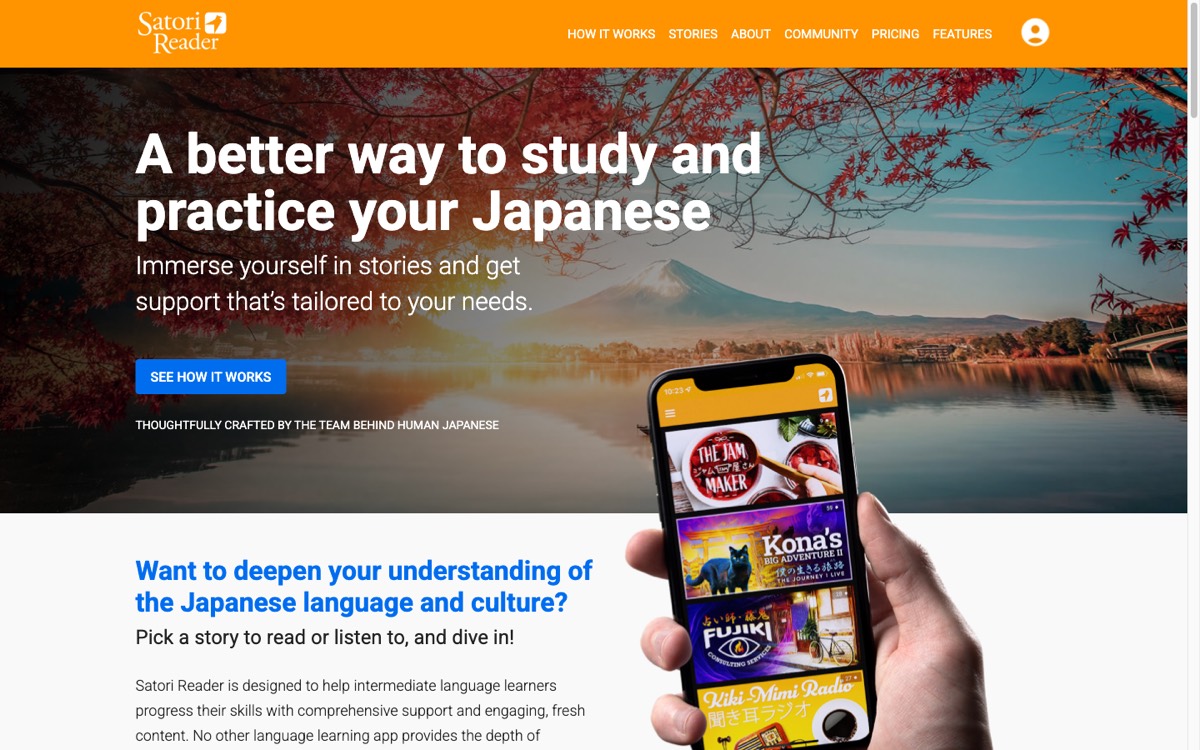 Satori Reader, July 2026.
Given that “the course content is AI-generated” became a normal complaint this year (see Airlearn above), all-human content is worth something on its own. And the stories are actually engaging; there’s a slow-burn mystery series in there that I kept reading because I wanted to know what happened, not because it was study time, which is more or less the whole point of the intermediate stage.
The limitations are that it’s a walled garden, meaning you read their content and can’t bring your own, and you need upper-beginner Japanese before it’s usable, so solid kana, a few hundred words, and basic grammar.
If reading real Japanese is the wall you’re stuck at, this is the best bridge over it I’ve found.
If you’re looking for a free reading resource for beginners, however– my recommendation is Tadoku, which has a wide collection of free-to-read easy books. My Japanese professor recommended us using it at the start. They also have an online Japanese Tadoku Club, which happens every Saturday. This is huge if you need some accountability in your life.
For listening and speaking: Pimsleur
Pimsleur costs around $19.95 a month for one language, and it’s the odd one out on this list: audio-only, 30-minute lessons, built on graduated-interval recall, with five Japanese levels of about 150 lessons total. Within its narrow lane it’s genuinely good. It’s the only app here that reliably gets words out of your mouth under mild time pressure, which turns out to be a different skill from recognizing them, as anyone who has frozen mid-conversation in Japan can tell you, and since it’s fully hands-free it fits commutes and chores in a way nothing else here does.
 pimsleur.com, July 2026.
The blind spot is large for Japanese specifically. Pimsleur ignores reading and writing entirely, which for Japanese means it ignores kanji, so you can finish all five levels and still be functionally illiterate. The vocabulary throughput is also fairly small for what it costs. I’d use it as a supplement during dead time rather than as one of your main tools.
For immersion and sentence mining: Migaku, LingQ, and Gravity
This is the stage the rest of the stack is supposed to deliver you to, learning directly from native content. If the idea is new to you, my immersion method guide covers the reasoning; this section is just about the tools.
Migaku
Migaku is the power tool of this category, and I mean that as a compliment; if most of your Japanese time happens at a desktop, it’s probably what you want. It’s a Chrome extension plus a companion mobile app that hooks into Netflix, YouTube, Disney+, and Viki, gives you dual subtitles, and turns any line of dialogue into a flashcard with the audio and a screenshot attached in one click. There’s a built-in SRS, a beginner course, pitch-accent support for Japanese, and a Discord community somewhere around 20k people. Pricing is subscription with a lifetime option, and annual works out to somewhere around $7 a month with monthly closer to $15, though you should check their site because they run lifetime sales fairly often.
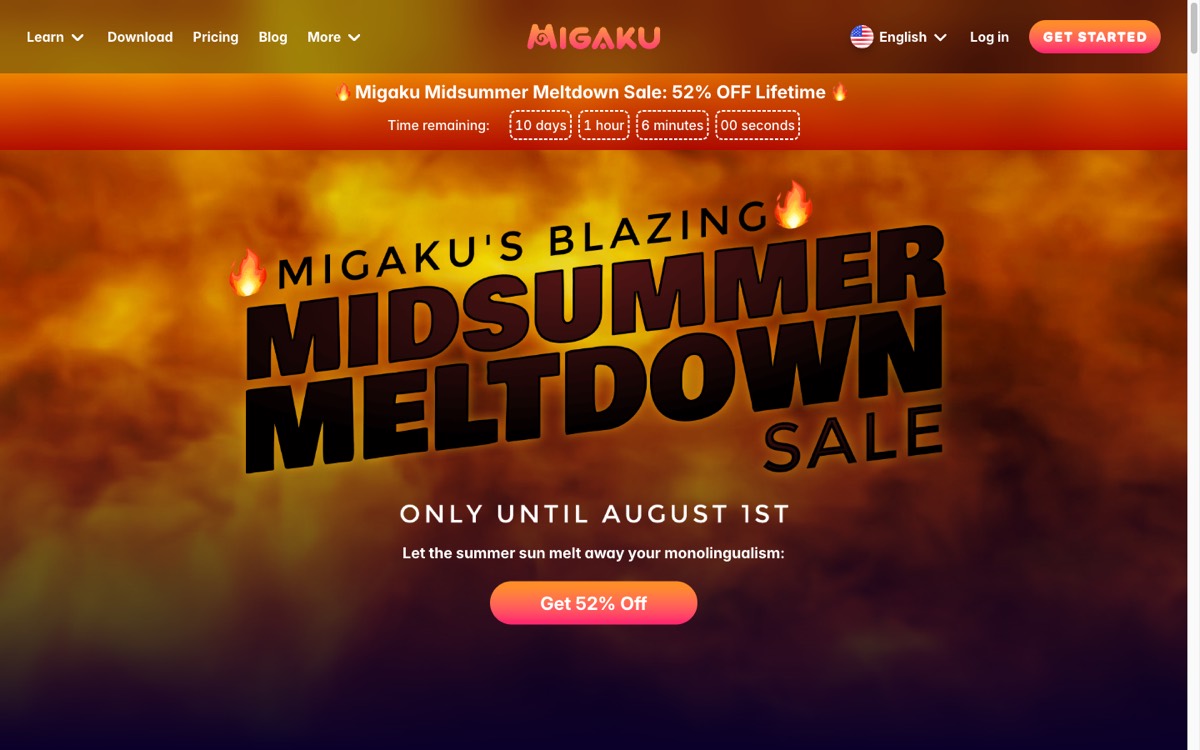 migaku.com, July 2026.
The downside is the on-ramp. It assumes you’re already comfortable with Anki-style workflows, the setup has real friction, it’s Chrome-only with no Firefox or Safari support, and there’s a long-running community debate about whether it’s worth paying for versus the free asbplayer + Yomitan + Anki stack it streamlines. If you enjoy tinkering with tooling, that debate is half the fun and you should just get Migaku. If you don’t, be honest with yourself about it, because a setup process involving a browser extension, card format configuration, and mobile sync is the kind of thing that ends a lot of habits before they start.
LingQ
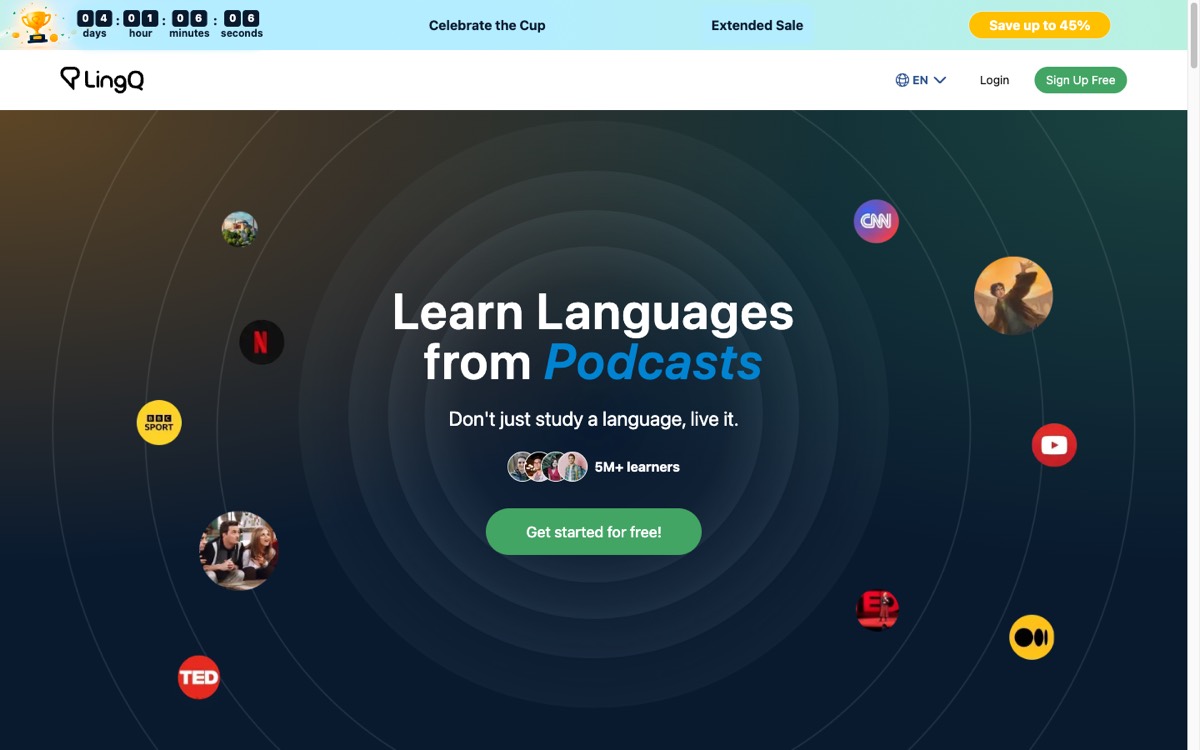
LingQ’s method is sound. Steve Kaufmann’s whole thesis is that you consume large volumes of reading and listening, tap unknown words to save them, and watch your unknown-word count fall over time, which is basically the immersion approach with a progress counter attached, and the content-importing flexibility is still the best in this category.
 lingq.com, July 2026.
The software is the problem, and I say that as someone who wanted it to be good. The UI is dated and buggy in ways users have been complaining about for years without much visible movement, the Japanese word segmentation gets things wrong often enough to be annoying (Japanese has no spaces, and LingQ’s splitter guesses badly a lot), and at $14.99 a month, or about $120 a year, it’s one of the pricier options here while the free tier caps you at 20 saved words, which in practice makes the free version a demo.
Gravity
Full disclosure: this one is ours, so read this part knowing that.
Gravity is what we built for people who want the workflow above but on a phone, without the browser-extension setup. It’s a curated library of real Japanese media (anime, music, podcasts, streams, all of YouTube) levelled N5 to N1, with word-synced transcripts, so you follow along and tap any word to make a flashcard that keeps the original clip and sentence attached. You can also take a photo of a menu or a manga page and pull vocab straight off it, and the FSRS prioritizes the words you keep running into. In other words it’s the sentence-mining workflow with the manual steps removed, and that workflow has a long track record: native content plus mined sentences is how the AJATT lineage has been producing the most fluent-sounding learners for about twenty years now, and shadowing the clips out loud covers more of your speaking practice than people tend to expect.
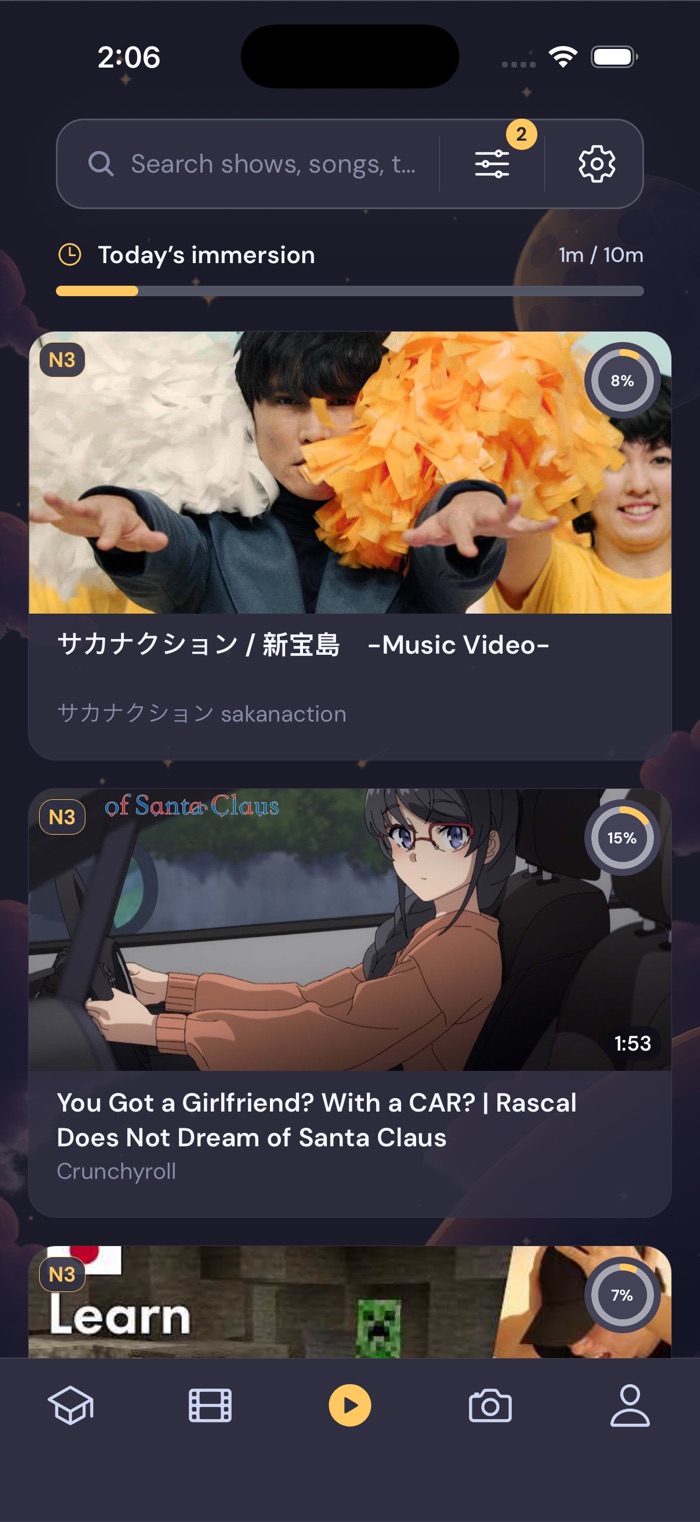
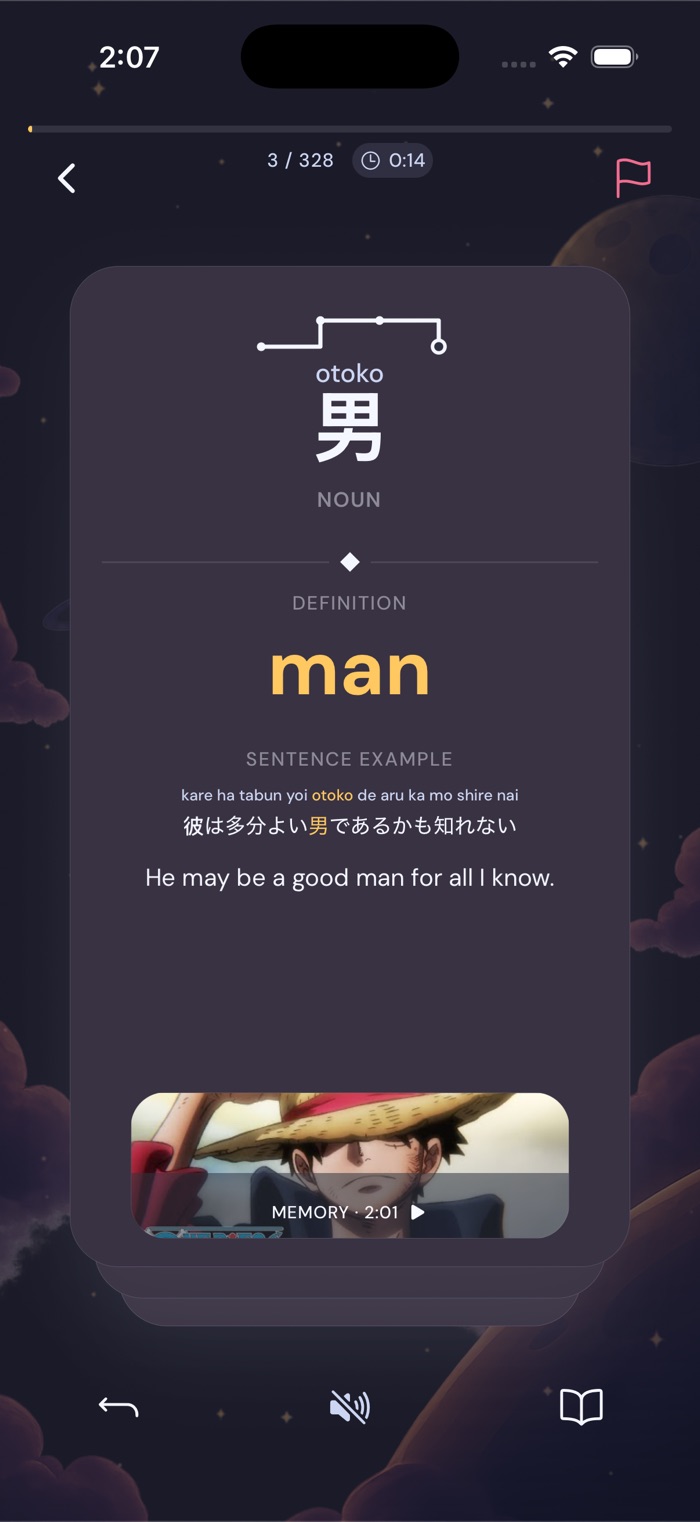
Gravity’s media library, and the back of a flashcard: 男 keeps the One Piece moment it was saved from.
It’s $20.99 a month or $98.99 a year with a 7-day free trial, and never any ads. Since every other app in this post got its limitation stated, here’s ours: Gravity won’t teach you grammar from zero, and it’s Japanese-only right now. If you’re brand new, start with one of the grammar options above (Tae Kim is free) and bring Gravity in once you can parse a basic sentence. It’s on iOS and Google Play.
Anyway
That’s the map. Pick one tool per gap, keep the stack small, and shift your time toward real Japanese as soon as you can mostly follow it, because that’s the part that actually gets you to the level you’re imagining. Everything above is genuinely good at the job I listed it for, ours included, and the stack you’ll actually stick with beats the theoretically perfect one every time.
FAQ
What’s the best free app for Japanese?
Renshuu, pretty clearly. The free tier gives you unlimited SRS across vocab, kanji, and grammar, and if you combine it with Tae Kim’s free grammar guide and Anki on desktop or Android, you have a $0 setup that covers more than most single paid apps do. The one thing that’s hard to get for free is good native content with learning support around it, and that’s basically where the paid tools justify themselves.
Can you learn Japanese with just apps?
Further than skeptics usually admit, though it depends a lot on which kind of app. I don’t think anyone reaches N1 inside a structured lesson tree, but people do reach real fluency with a phone full of native content, an SRS, and consistency over a few years; the immersion community was doing a version of this before smartphones existed. The apps that matter long-term are the ones that make native content and output practice easier to get through, not the ones that simulate the language for you.
How many apps do I actually need?
Two to four, depending on where you are. From zero, one course app plus one kanji tool is plenty. Once you have the basics, swap the course out for an immersion or reading tool, keep an SRS, and keep something around for grammar reference. If your stack has six apps in it, some of that is probably procrastination dressed up as studying, and I say that as someone whose phone had eight at one point.
Is Duolingo enough for Japanese?
No. It’s a reasonable free on-ramp for kana and for building a daily habit, but the Japanese course is one of its weaker ones, with thin kanji teaching, unnatural sentences, and shallow explanations (that are sometimes wrong due to AI examples). I’d use it for the first two or three months at most and then move on to tools that go deeper.